


Speed
With Apple Pay, you can quickly and easily pay for purchases using your KICB card directly from your iPhone or Apple Watch.
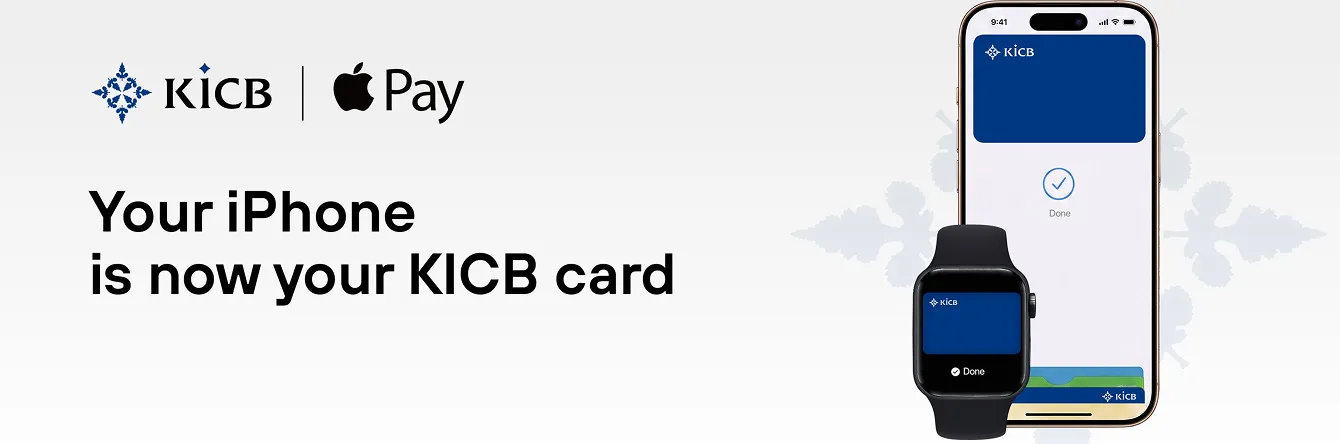
With Apple Pay, you can quickly and easily pay for purchases using your KICB card directly from your iPhone or Apple Watch.

Apple Pay uses the built-in security features of your Apple device, including Face ID and Touch ID, while on Apple Watch it uses a double press of the side button, ensuring that only you can authorize payments.

Your card number is not stored on your device or on Apple’s servers. In addition, Apple does not share your card number with merchants when you make a payment, helping keep your information private and providing an extra layer of protection against fraud.

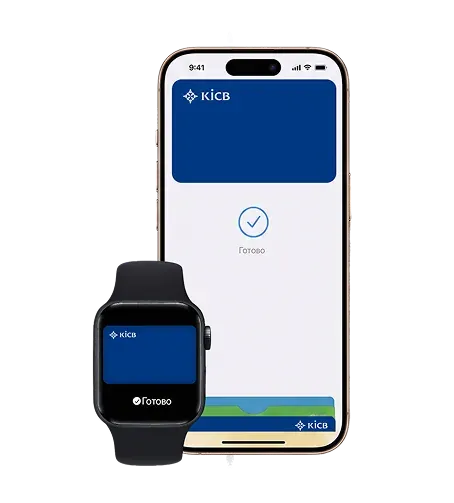
You can confidently leave your wallet at home. With Apple Pay, you can pay for purchases using your KICB card directly from your iPhone or Apple Watch. Simply hold your Apple Watch or iPhone near the payment terminal.

Apple Pay is available worldwide. It can be used at millions of stores and websites around the globe.

Pay for purchases at POS terminals even when your smartphone is not connected to the internet.
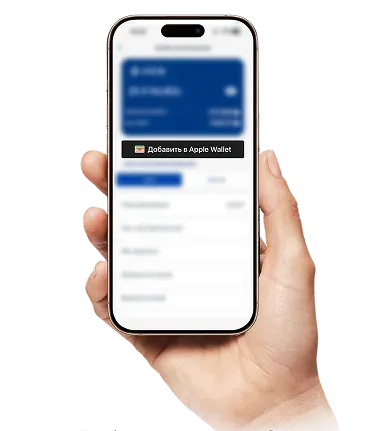
IMPORTANT: The bank sends a verification SMS code solely for entry on your device. Never share this code with anyone. Bank employees will never ask you for a verification code received via SMS.
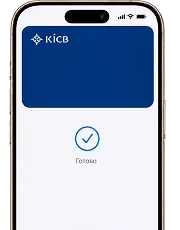
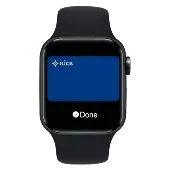
You can add KICB-issued Visa and MasterCard cards to Apple Pay.
Yes, you can add your KICB Visa card to your iPhone, Apple Watch, and iPad at the same time.
It works on all iPhone models with Face ID or Touch ID (starting from iPhone 6), on Apple Watch, and on iPad and Mac for purchases in apps and on websites.
Yes. You can make payments anywhere contactless Visa cards are accepted. Currency conversion will be processed according to your KICB card’s standard rates.
Yes. When placing an order in online stores or apps (for example, Glovo or Yandex), choose the payment option with the black “Buy with Apple Pay” button.
No. An internet connection is only required when adding your card to Wallet. You do not need internet access to pay at a POS terminal.
Immediately enable Lost Mode through Find My or remove your cards from Wallet via your Apple Account. Contact the KICB Contact Center (24/7) at 8787 to block your cards.
